What Is School Software for Principals? — A Complete Definition
School software for principals is an administrative dashboard that gives the principal a real-time, comprehensive view of all school operations — student attendance, fee collection status, staff presence, academic performance, and operational compliance — without requiring individual status reports from department heads, class teachers, or the accountant. A principal's school software should replace the morning "what's happening today" verbal briefing with a live dashboard that answers every management question before anyone asks it: Which classes have low attendance today? Which fee defaulters have not paid this term? Which teachers are on leave and have substitutes assigned? Which Class 10 students are at risk for the CBSE 75% requirement?
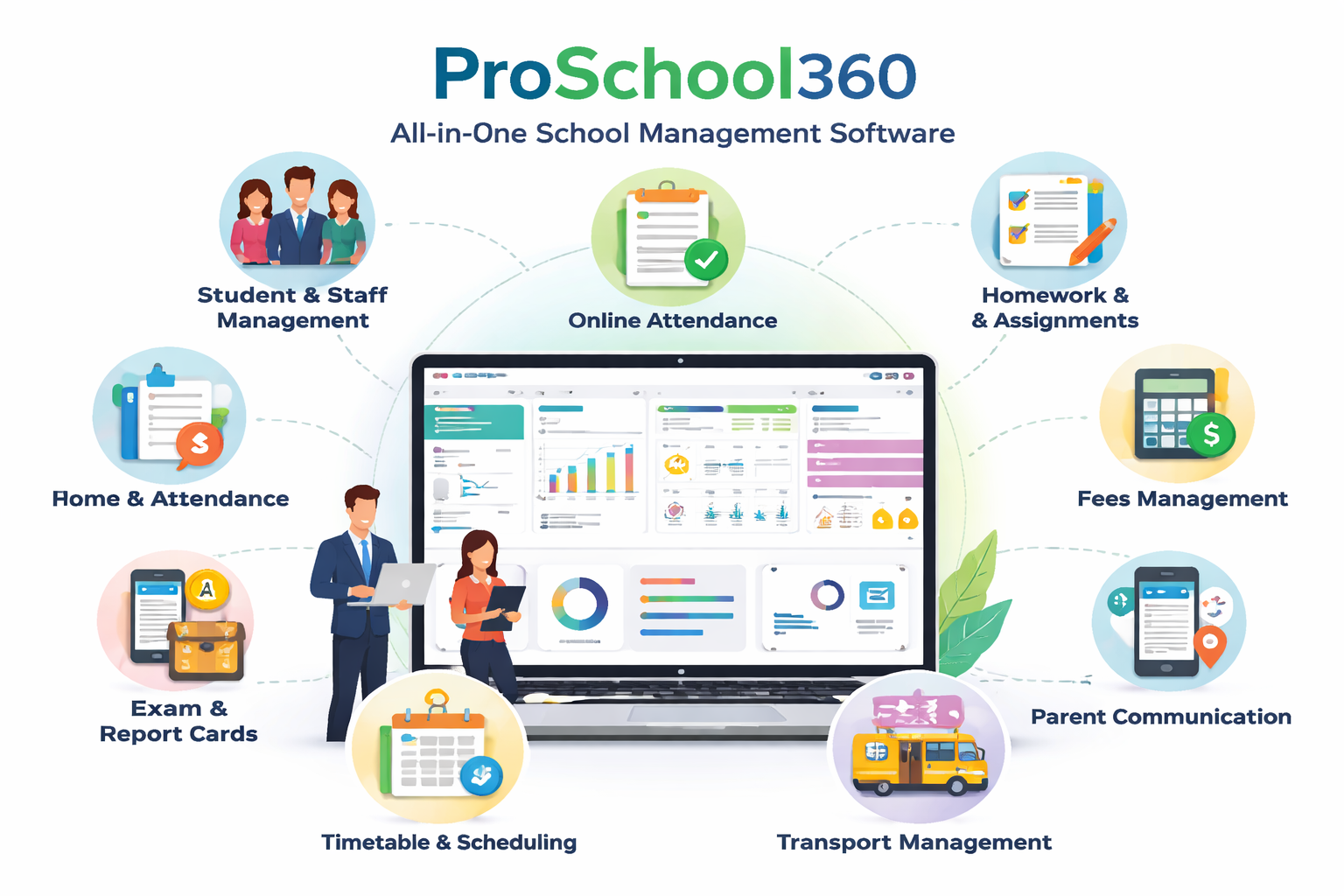
ProSchool360's principal dashboard is built for this — giving principals actionable intelligence, not raw data. The dashboard highlights exceptions (classes with unusual absence rates, fee collection below target, staff leaving early) rather than making the principal read through complete reports to find problems.
What Does the ProSchool360 Principal Dashboard Show?
ProSchool360's principal dashboard is organised into five panels:
1. Today's Attendance Overview
- School-wide attendance percentage for today (updated in real time as teachers mark attendance)
- Class-wise attendance table — which classes are above 90%, which are below 75%
- Absent teacher list — which teachers have marked themselves absent today or not yet arrived
- Substitute coverage status — which absent teachers have substitutes assigned, which periods are uncovered
- Students below CBSE 75% running percentage — updated daily
2. Fee Collection Dashboard
- Total collected this month vs. total expected — collection percentage
- Term-to-date collection by class — which classes have the highest/lowest collection rates
- Total outstanding fees — by class, by term, by fee head
- Payment mode breakdown — UPI, card, cash, cheque — for each day and month
- Defaulter count by class — how many students have not paid for the current term
3. Academic Performance Analytics
- School average marks by class and subject — from the last completed exam
- Class comparison — which sections are above and below school average
- Subject-wise failure rate — which subjects have the highest failure rates across classes
- At-risk student count — students with both low marks AND low attendance
- Year-over-year performance trend — is school average improving or declining?
4. Staff Management Overview
- Today's present/absent staff count — class teachers and non-teaching staff
- Leave pending approval — leave applications awaiting principal approval
- Payroll processing status — is this month's salary calculation complete?
- Document expiry alerts — staff whose PF, ESI, or professional tax filings are pending
- New hire onboarding status — if any new staff are in the joining process
5. Operational Compliance Alerts
- CBSE LOC deadline countdown — days remaining for board examination enrollment
- Vehicle compliance — bus fitness certificate, insurance, or driver license expiry
- Library overdue books — books overdue beyond 14 days (configurable)
- Inventory low-stock alerts — consumables below reorder level
- WhatsApp API usage — message volume for the month vs. plan limit
How Does the Principal Approve Exam Results in ProSchool360?
One of the most important principal workflows is result approval before report cards are sent to parents. ProSchool360 structures this carefully:
- Subject teachers enter marks → exam coordinator reviews and flags errors → coordinator marks each class as "Ready for Principal Review."
- Principal sees a notification: "Results for 8 classes ready for your review."
- Principal reviews the result summary for each class — pass rate, grade distribution, average marks, and flagged exceptions (marks that seem unusually high or low).
- Principal can ask the exam coordinator to verify specific entries before approving — without calling or emailing, through a comment in ProSchool360.
- Principal approves all classes simultaneously — triggering report card generation and WhatsApp delivery to all parents in one action.
School Principal Software — Manual Administration vs. ProSchool360
| Principal Task | ❌ Without School Software | ✅ ProSchool360 |
|---|---|---|
| Morning Attendance Check | Principal calls or visits each class; or waits for peon to collect attendance registers | Real-time attendance dashboard; exceptions highlighted; no calls or visits needed |
| Fee Collection Status | Accountant prepares weekly report; principal sees data 3–7 days late | Real-time collection dashboard; today's collections visible as they happen |
| Staff Absent Today | HR reports to principal verbally or by note; substitute may not be arranged until mid-morning | Dashboard shows absent teachers in real time; substitute assignment done in ProSchool360 by HOD |
| At-Risk Student Identification | Class teacher verbally reports to principal at PTM or term-end — too late for intervention | Auto-identified by combined low attendance + low marks; reported to principal continuously |
| CBSE LOC Compliance | Exam coordinator manually compiles and submits; errors discovered only at CBSE portal rejection | LOC auto-generated; validation check before submission; principal approves in ProSchool360 dashboard |
Why Trust ProSchool360 as the Best School Software for Principals?
- Experience: 10+ years working with school principals across India. We understand what principals actually look for in school software — not just features, but time savings and visibility. ProSchool360's dashboard was designed with principal input at every stage.
- Expertise: ProSchool360 aggregates data from every school module — attendance, fees, marks, staff, inventory, transport — into the principal's unified dashboard. No other Indian school software provides this cross-module principal view at this level of granularity without requiring the principal to run separate reports.
- Authority: 500+ school principals across 18+ states use ProSchool360 as their primary management tool. Recommended by school chains' directors who need consistent management visibility across multiple campuses — ProSchool360 gives the director a consolidated view across all branches.
- Trust: Principal-level access in ProSchool360 is the highest authority level — principals can view and override all data, approve results and payroll, and generate any report. But all principal actions are also logged with timestamps — ensuring accountability even at the principal level. If a principal modifies a student's mark, the system records who changed what and when.
Ready to Upgrade School Management with Principal Dashboard Software?
ProSchool360's principal dashboard is active from day one of school setup — it populates with real data as teachers start using the teacher app for attendance and marks. The principal needs only a web browser or the ProSchool360 mobile app — no separate installation. First-time principals typically need 1–2 hours to explore all dashboard features; most find the attendance and fee panels self-explanatory from day one.
Book a free demo today — we will walk through the principal dashboard with sample school data: morning attendance check, fee collection status, at-risk student list, and result approval workflow. We will configure the demo for your school's class structure and board requirements.